
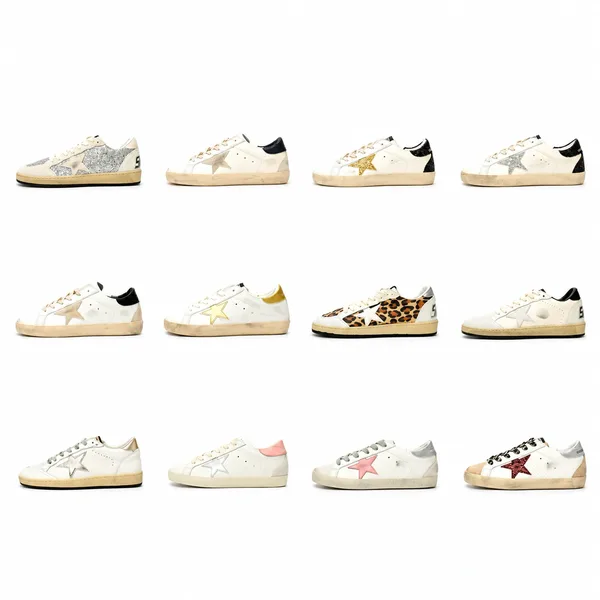
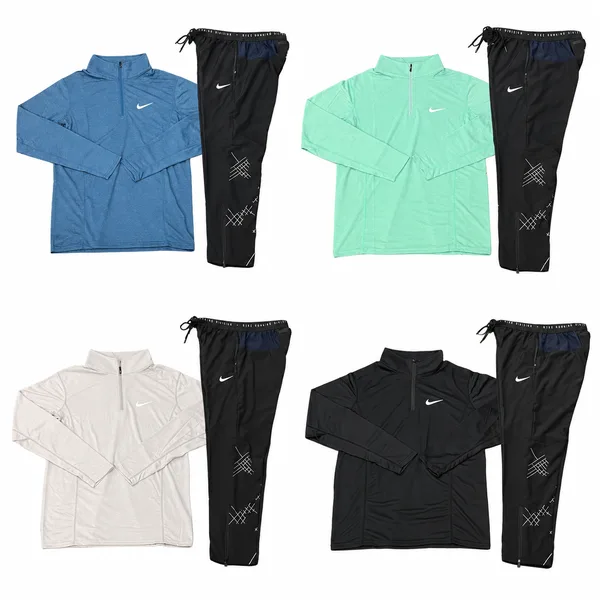
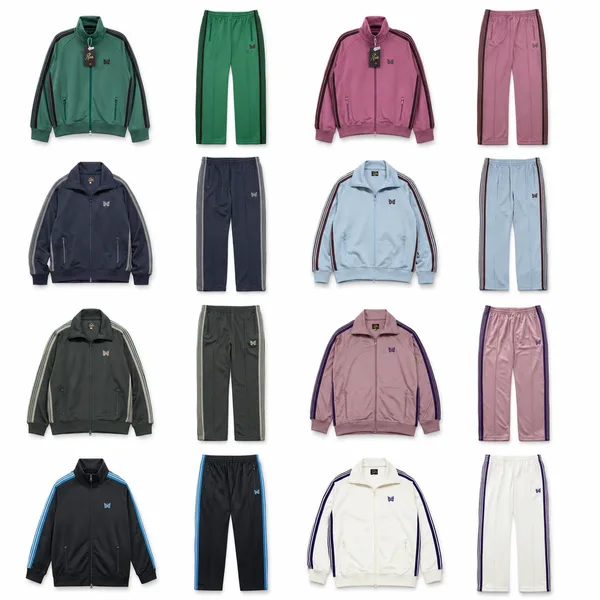
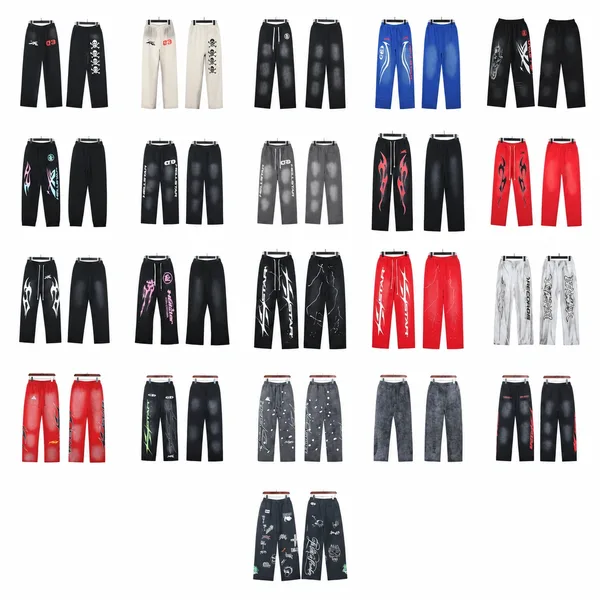
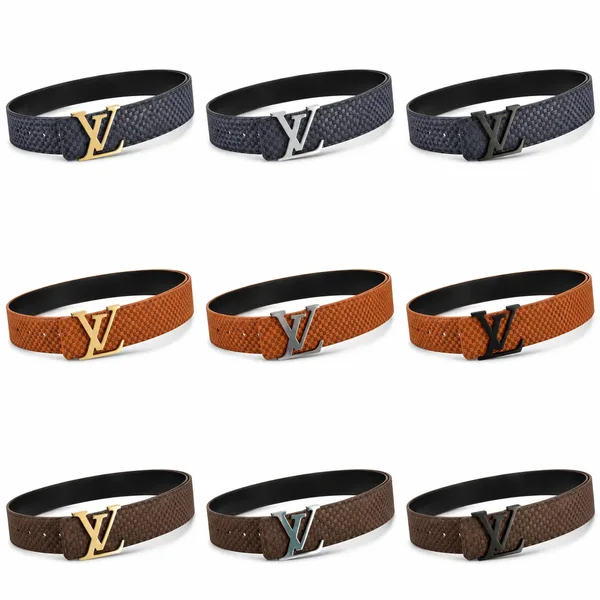
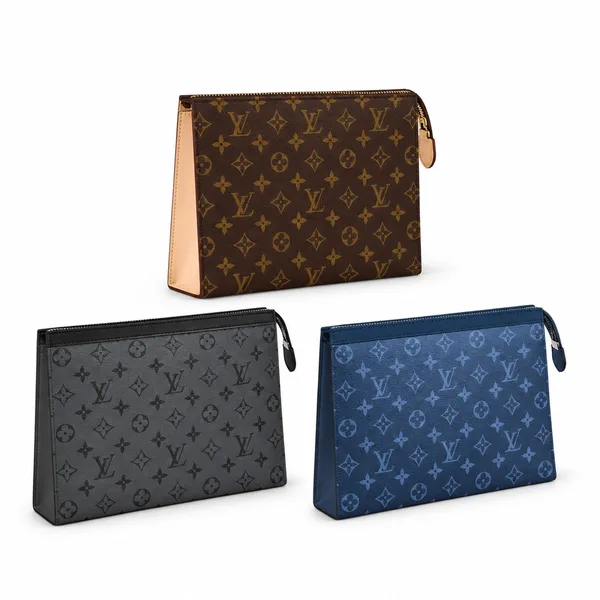
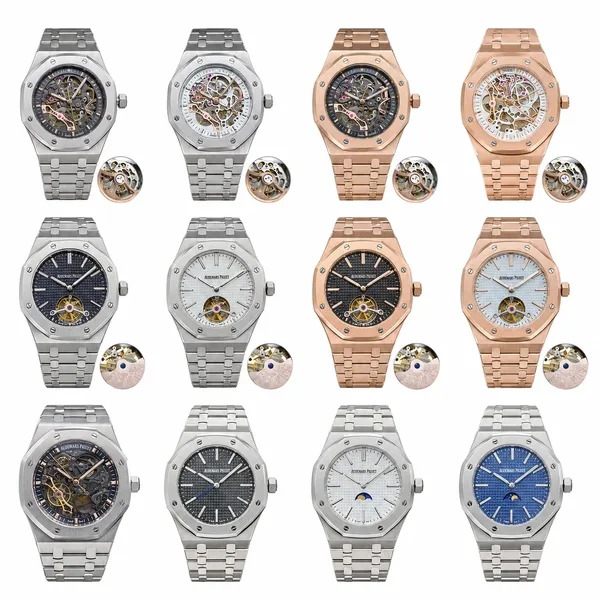
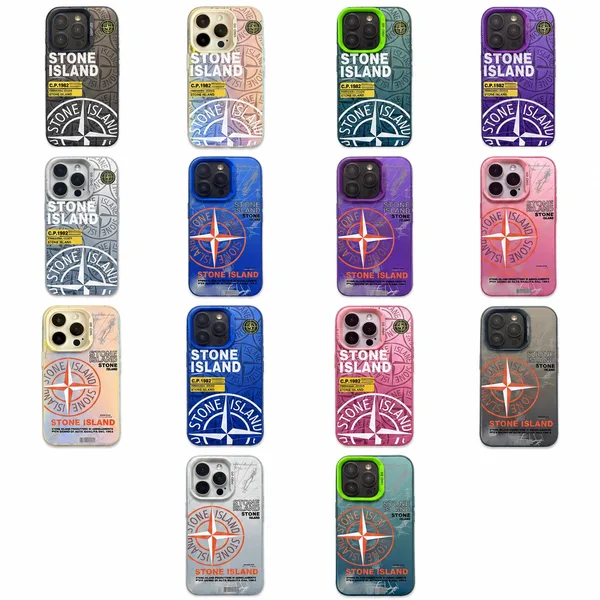
The difficult part of a LoveGoBuy spreadsheet is often not finding another link. It is deciding which of the saved products deserves a closer look. A useful collection gives you a way to compare, reject and revisit choices without confusing browsing with an order.
Start with the piece you want to add, then keep a small number of alternatives. You can expand the collection later. A long list is less helpful when you cannot remember why each item is there.
Pick a starting item
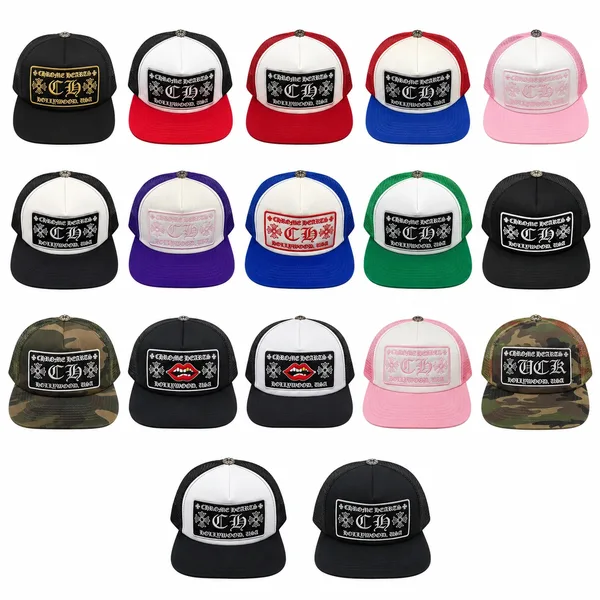
The headwear guide compares cap and beanie shapes alongside the fit questions they raise.
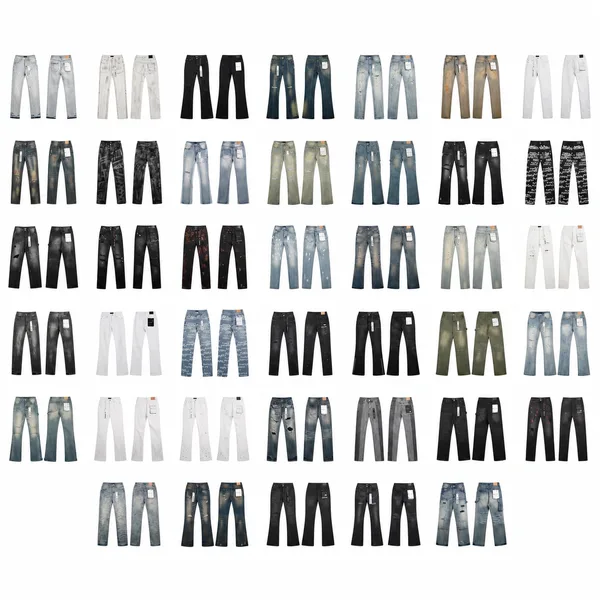
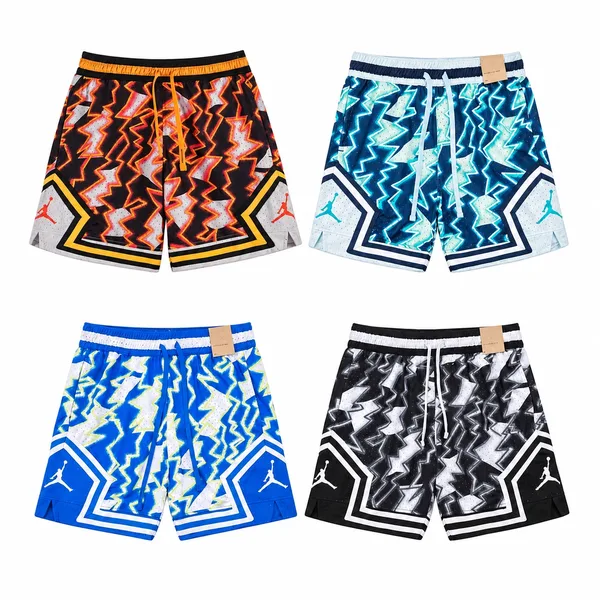
Use the pants and shorts guide to compare waist, rise and length before choosing a lower layer.
For footwear, the shoe guide separates shape, sizing and intended use before you save a pair.
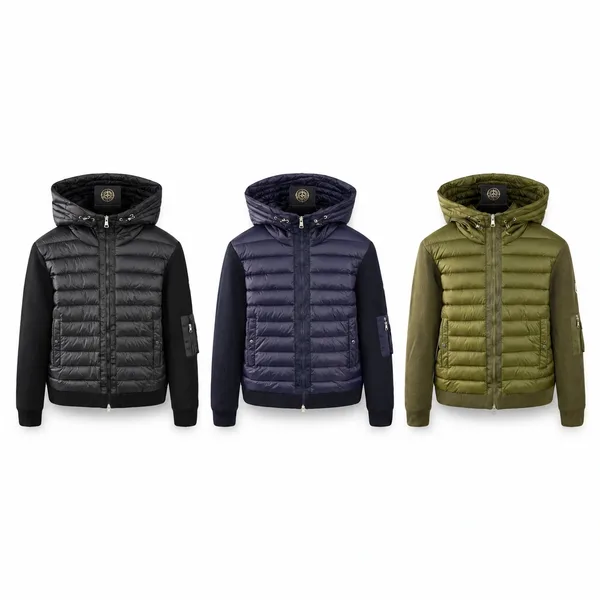
For outerwear, read the jacket comparison guide before settling on an option.
These LoveGoBuy product pages give you specific listings to inspect. Check each current listing for the chosen option, measurements, availability and product details.
| Start with | Open the listing | First question |
|---|---|---|
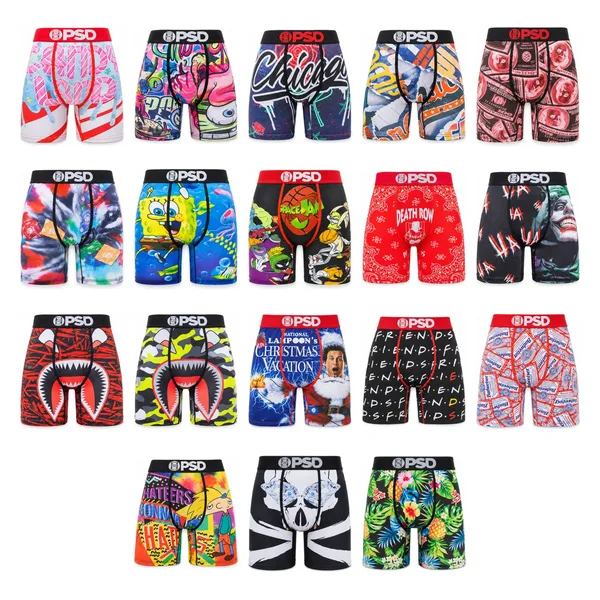
| A patterned short | Black-and-white tie-dye basketball shorts | What length and waist measurement suit your intended use? |
| A finishing accessory | Light-blue landscape-and-stars cap | What crown shape and fit range do you prefer? |
You do not need all three. Choose the item that addresses an actual gap, then investigate its options. Treat the other rows as browsing ideas rather than an automatically assembled outfit.
Give each saved item a reason to stay
If you are starting from an image or a style idea, the LoveGoBuy finds guide helps turn it into a specific candidate. For moving that choice between your phone and browser, read the App guide.
A short note such as “outer layer over a sweatshirt” helps you decide what to ask about the jacket. The required room may differ from what you want over a light T-shirt. Similarly, shorts intended for casual wear may raise different personal preferences from shorts you plan to exercise in; the listing name alone does not establish sporting performance.
When an item no longer fits your plan, move it out of the active shortlist. You can retain the link as an idea without allowing it to inflate the planned purchase.
Keep choices and facts separate
Your preferred colour is a choice. A measurement supplied for an option is product information. The two belong together, but they are not substitutes. Record what you want and compare it with what the offer actually describes.
Do the same with prices: note the currency and revisit the amount before buying. A number copied weeks earlier may help you notice a change, but it does not set the price of a new order.
The spreadsheet links guide explains how to keep the selected product recognisable when you return to it. A working address is useful, but it does not guarantee that every option remains unchanged.
Reduce the list by answering one question at a time
If fit is your concern, compare the relevant measurements before spending time on minor visual differences. If two designs both meet your needs, decide which you would wear with clothes you already own. If neither has the information you need, seek clarification instead of treating uncertainty as approval.
This approach also prevents duplicate purchases. Two saved entries may represent alternatives for one slot, not two things to buy. Make that distinction before calculating a total or planning a parcel.
What the collection cannot decide for you
Product links do not establish fabric feel, durability or the outcome of shipping. Nor does the number of entries establish the trustworthiness of a transaction. Before paying, review the chosen option and the applicable terms independently of the collection's presentation.
Use the shortlist to organise the work of choosing, not to avoid that work. The result should be a smaller set of understood choices, rather than a larger set of assumptions.
Questions readers ask
Przejdź do wyboru produktów po polsku
Bekijk de selectie voor België
تصفح الاختيارات باللغة العربية
Before entering account information or paying, use the safety guide to separate destination, account and transaction checks.
To compare collection formats, read the best-spreadsheet guide. The review explains why a useful list and a service experience require different judgements.
When a candidate is ready for closer consideration, the LoveGoBuy spreadsheet guide explains how to carry the selected option through purchase, warehouse review and parcel planning.
Can I use the same collection more than once?
Yes, as a starting point. Revisit listings and options before each new purchase rather than carrying old amounts and availability forward.
If you ask other buyers for suggestions, the Discord product discussion guide explains how to turn a reply into a checkable item choice.
Should every row contain a product I will order?
No. Label alternatives separately so they are not counted as confirmed purchases.
Does a listed jacket have the warmth I need?
Its name does not answer that. Check the relevant construction and material information for the exact option; do not infer performance from the silhouette.
Using the LoveGoBuy spreadsheet
The LoveGoBuy spreadsheet turns a large product library into a visual catalog that is easier to search. Start with a keyword or an image, choose one of product categories, and open an image card to inspect its Item ID, current price and available SKU choices. Product names stay out of the card grid so the catalog remains visual and quick to scan.
Search the current catalog
Text search works best when you know a product type, model, color or design detail. Use a short phrase, review the returned images and narrow the result with a Style only when it helps. If you have a photo but no useful wording, choose Search by image. A clear crop with the item filling most of the frame usually gives the search more useful visual detail.
Image results are candidates for comparison. Open the most relevant cards and compare the main image, detail views, SKU images and Item ID. Similar appearance alone does not establish that two records have the same fabric, construction, size system or included pieces.
Browse product categories
The homepage provides eleven direct Style entrances: Shoes, Hoodies/Sweaters, T-Shirts, Jackets, Pants/Shorts, Headwear, Sets, underwear/underpants, Jersey, Accessories and Other Stuff. Each button opens its own catalog page. When a Style has narrower groups, its Subcategories appear after the page opens.
This two-level structure keeps the first choice simple. Start with the broad Style, then add one Subcategory. If a narrow selection has no current records, return to the parent Style instead of accepting unrelated products. Each Style page also includes a focused guide below its product grid and pagination.
Read an image-only product card
A card is a visual entrance, not a full description. Select it to open the product page. The useful identity is the Item ID. The detail view can also show the current CNY price, its USD comparison, real product images and the SKU choices supplied for that record.
Visual color or style choices should remain visual. Size choices are easier to compare as text. After changing a SKU, recheck the main image and price before continuing. Missing information should remain unavailable rather than being replaced with a made-up value.
Continue to LoveGoBuy
The Buy on LoveGoBuy button is the handoff from research to the LoveGoBuy ordering flow. Recheck the selected item and SKU after LoveGoBuy opens, then use the current account screens for payment, warehouse handling, QC, parcel preparation and tracking. The catalog does not request your LoveGoBuy password or payment information.
Shipping depends on destination, packed weight, dimensions, route rules and current operating conditions. Use the LoveGoBuy shipping guide to prepare those inputs and the shipping cost guide before comparing live options.
Build a better research path
New visitors can begin with the LoveGoBuy spreadsheet guide. Readers comparing catalog quality can use the best LoveGoBuy spreadsheet checklist and the LoveGoBuy spreadsheet review. If an older saved route has changed, follow the steps in LoveGoBuy spreadsheet links. Account and parcel checks are covered by Is the LoveGoBuy spreadsheet safe?, QC photos and tracking.
Regional planning
Local-language guides make destination-specific questions easier to follow without turning regional interest into customer counts. Start with France, Belgium, Poland, Spain or Saudi Arabia. Each guide connects product search with QC, packed measurements and the shipping inputs that must be checked again for the actual parcel.